







AI agent
One prompt, a finished video in five minutes
Give it a topic and the agent plans the scenes, then generates the footage, voiceover, and captions. The finished video opens in the editor, ready to refine.

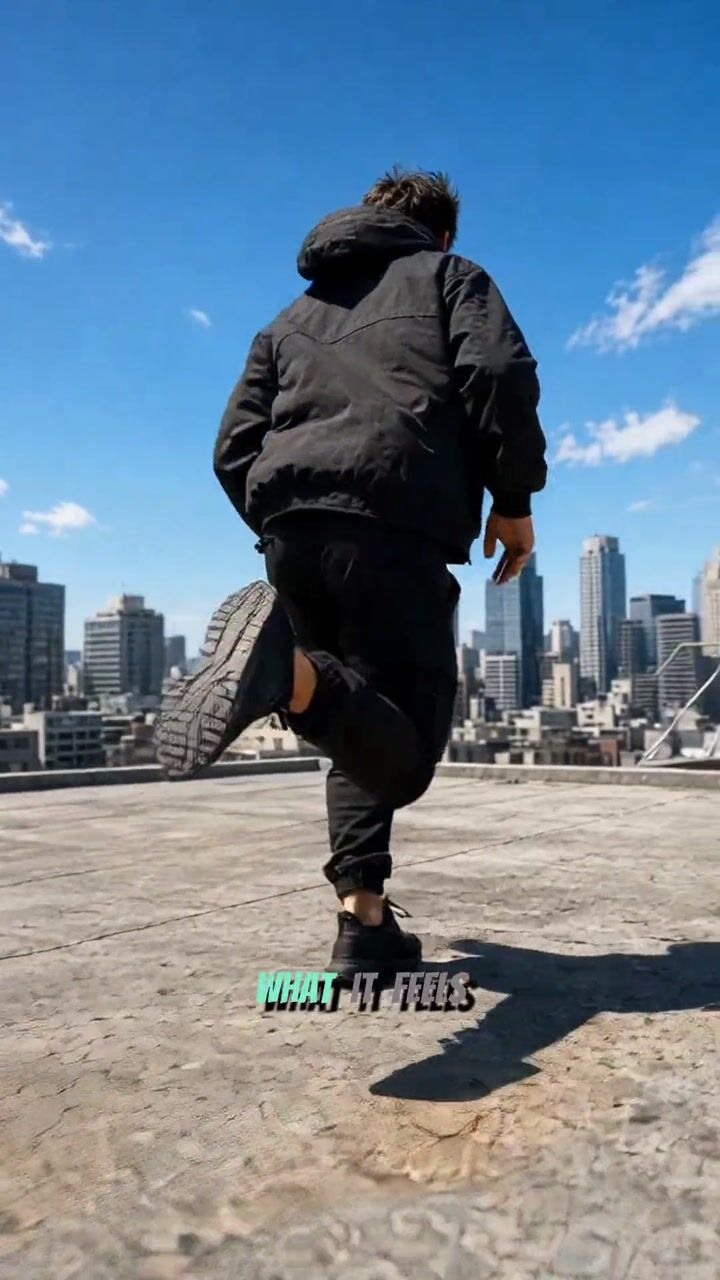

Create video, images, and voiceover from a prompt, then finish on a real timeline.
Free to start · No credit card required
Describe your idea and pick a voice and music. AI lays out scenes, narration, music, and captions on a timeline, and the result opens in the editor as a real project.
From generation to editing to export — one tab, one workflow.
Give it a topic and the agent plans the scenes, then generates the footage, voiceover, and captions. The finished video opens in the editor, ready to refine.
Type “make her glance at the camera” and the prompt is rewritten for you and the shot re-created. It only replaces the clip once you like the new take.
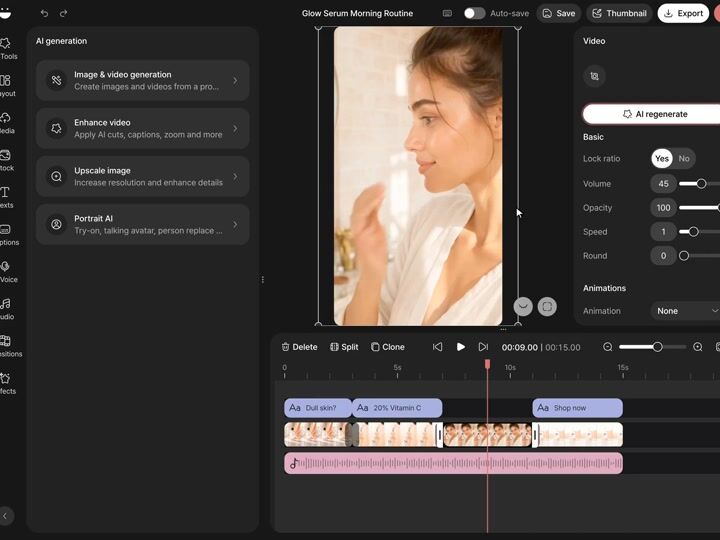
Transcription, translation, and speaker labels happen automatically. Pick a template, or customize the colors, fonts, and animation and save it as your own.






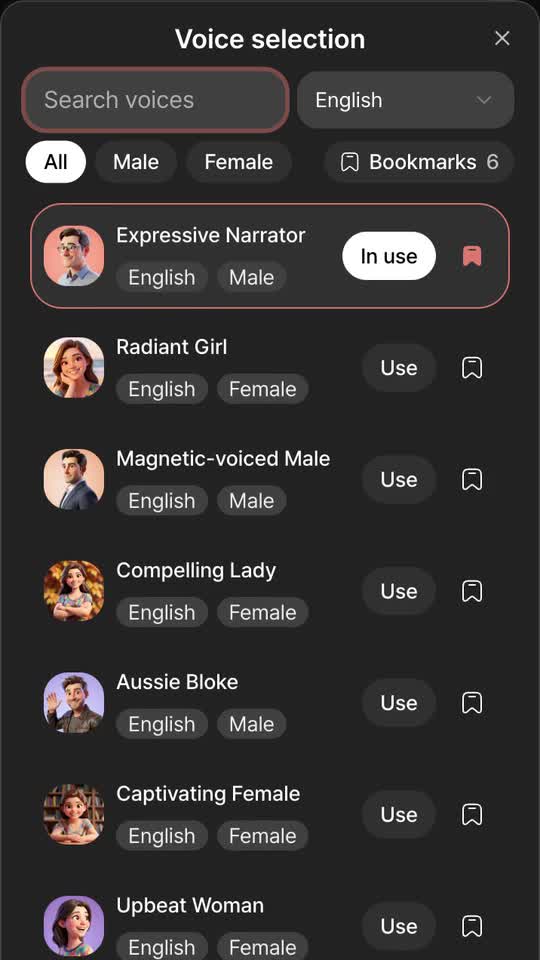
Choose from 332 voices across 24 languages — search, filter by gender, and bookmark the ones you like.
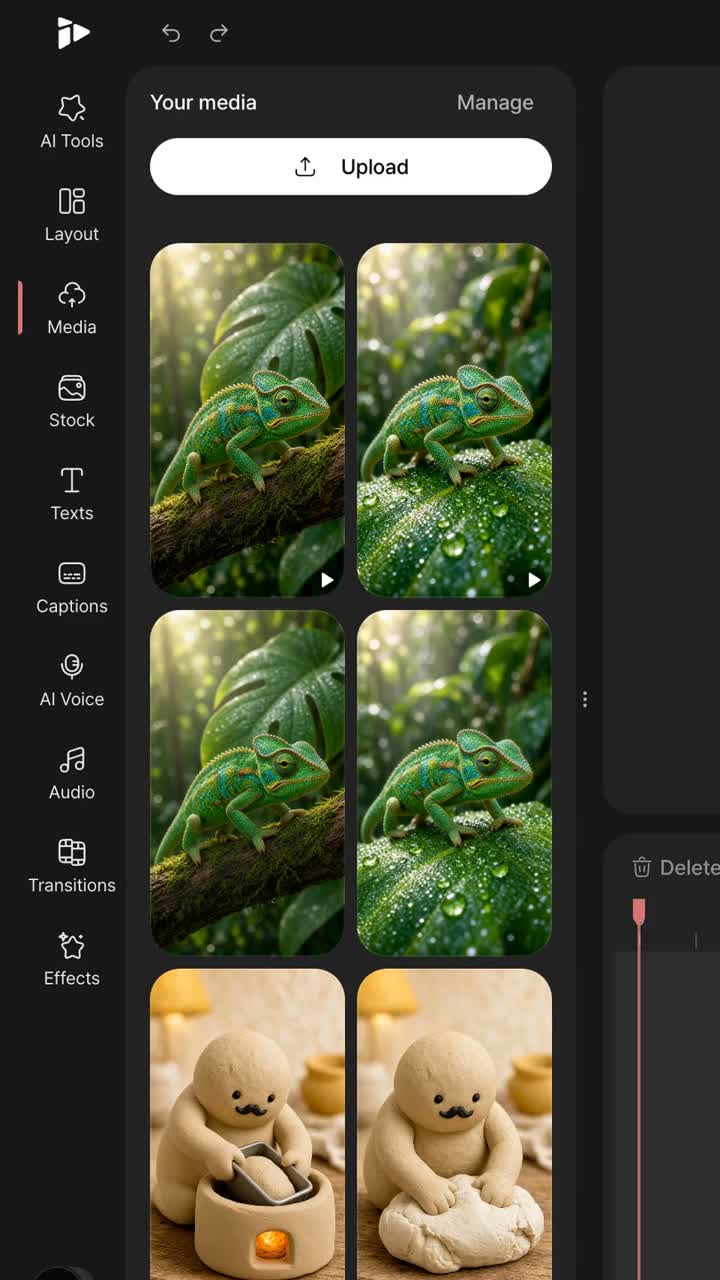
Describe a scene to generate images and short clips, then add them straight to the video you're editing.
Image upscale
Virtual try-on
Video person swap
Motion animate
Resolution upscaling, virtual try-on, avatars, and photo-to-video — one click each.
GPT Image, Veo, Seedance, Flux and more — the latest image and video models on one account with one credit balance. No more juggling subscriptions.
 GPT Image 2Image
 Veo 3.1Video
 Seedance 2.5Video
 Flux 2Image
 HappyHorse 1.1Video
 Grok ImagineImage · VideoNano Banana 2Image
 Hailuo 2.3VideoSeedream 5Image
 Runway Gen-4.5VideoGrok Imagine 2.0ImageWan 2.6Image
 Pixverse v6VideoWan 2.7Video
Notes from creators, marketers, and editors who use Topping.
“I used to spend most of an evening cutting silences and adding captions. Now I upload, let Edit with AI do the first pass, and fix maybe five or six things by hand. The captions are accurate enough that I rarely retype anything.”
 Maya LindqvistShorts creator
“We don't have a video editor on the team. The agent turns a paragraph of copy into a rough cut with a voiceover, and that's usually enough for a product teaser. It won't replace an agency piece, but it's fast and, for the price, well worth it.”
 Daniel OkaforMarketing lead, skincare brand
“Having Veo, Seedance and Flux in one place means I can try a shot with two models and keep the better one without juggling accounts. The credit balance is easy to keep an eye on.”
 Priya RamanIndie game developer
“I make short listening clips for my students. The AI voice is clear, the captions come out in the right language, and when I need a scene I don't have footage for, I can generate a short clip instead of hunting for stock. The timeline is simple enough that I don't dread opening it.”
 Tomás HerreraESL teacher
“I post a Short most days, so speed matters more than anything. I write the hook, generate a couple of b-roll clips, add captions with a preset, and I'm done in well under an hour. Not every clip is perfect, but the ones that need a redo are quick.”
 Noah FischerShorts creator
“I still finish client work in a desktop editor, but for quick social cuts this is where I start now. The AI features are easy to reach and quick to run, so trying an idea doesn't cost me an afternoon.”
 Ethan ColeFreelance video editor
Use monthly credits for AI generation and upgrade as your projects grow.
Signing up takes a minute. Your first video takes a few more.